

As you navigate the ever-shifting landscapes of Azeroth, your steed is not just a tool but an extension of your warrior spirit. With the advent of Dragonflight, the skies beckon, and the ground rumbles in anticipation of your next journey. You’ve amassed a stable of mounts, each more majestic than the last, but when it’s time to venture forth, why spend precious moments deciding which to summon? Enter the realm of random mount macros, a subtle yet powerful game changer that can streamline your adventures. By the end of this discussion, you’ll have the keys to conjure the perfect mount with a mere whisper of a command, tailored to the terrain and your personal taste. Imagine the possibilities as we explore the intricacies of crafting a macro that not only randomizes your mount selection but resonates with the heart of your gameplay. Stay with us to uncover the secrets that will inject a dash of magic into your mount summons.
Understanding Macro Mechanics
Mastering the mechanics of macro creation in World of Warcraft Dragonflight is essential for quickly summoning your favorite mounts with the press of a button. To avoid error messages and ensure a smooth experience, you’ll need to get familiar with the mount macro system. It’s all about writing concise commands that’ll cast the right mount for the right situation.

First, think about the modifier key. This little helper allows you to use the same keybind for different actions. Holding down ‘Alt’ while pressing your mount macro key can, for example, summon a dragonriding mount like your renewed proto-drake when you’re in the Dragon Isles. If you’re not holding ‘Alt’, it’ll call upon one of your favorite ground mounts instead.
Make sure your macro is set up to dismount you if you’re already riding. This way, it’s one keypress to soar or gallop away. Keep your list of favorite mounts updated within the macro to avoid any surprises. Remember, the key to a great mount macro is its ability to adapt to your environment and needs without a hitch. Keep practicing and tweaking, and you’ll be a macro wizard in no time.
Crafting Your Mount Macros
Having grasped the mechanics of macro creation, let’s now focus on crafting your personalized mount macros for World of Warcraft Dragonflight. You’ll want to ensure you’ve got quick access to your favorite land mount, aquatic mounts, and even that majestic tundra mammoth for traversing the vast landscapes of the dragon isle.
Here’s a straightforward table to guide you in setting up your macros:
| Environment | Macro | Example Mounts |
|---|---|---|
| Land | /use [mount name] | Tundra Mammoth, Swift Zulian Tiger |
| Water | /use [mount name] | Subdued Seahorse, Brinedeep Bottom-Feeder |
| Dragon Isle | /use [modifier:alt][mount name]; [mount name] | Dragonflight-specific mount; land mount |
Organizing Mount Categories
Before diving into the specifics of macro usage, it’s essential to organize your mounts into clear categories to streamline your in-game experience. Start by sorting them based on the environment: riding, flying, swimming, and Dragonflight. You’ll want to ensure you’ve got a separate list for each macro you’re crafting, keeping it neat and easily editable.
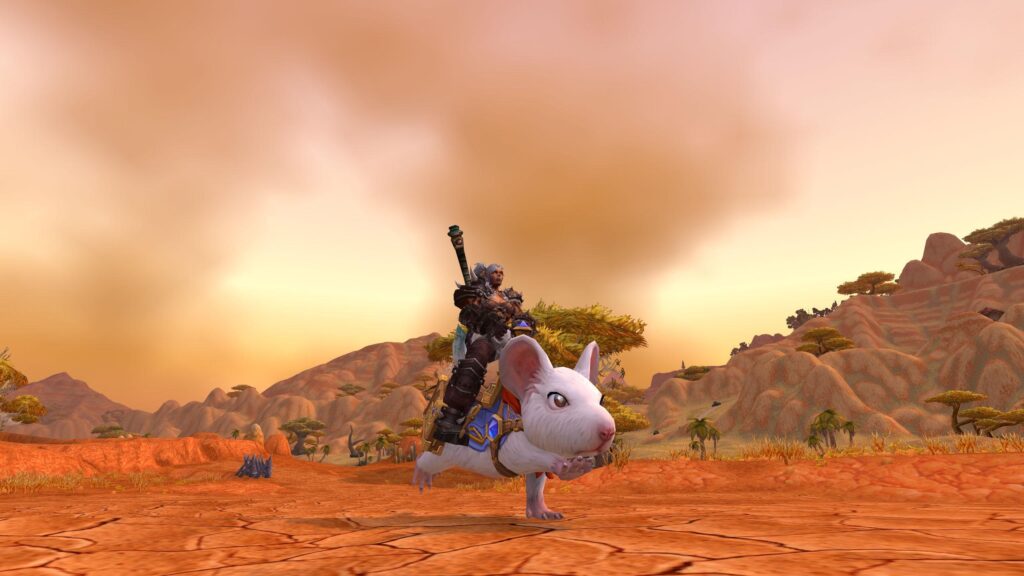
For your ground mounts, pick your favorites that shine in no-fly zones. They’ll be your trusty steeds when flying isn’t an option. Next, your flying mounts – these are your go-to for most of Azeroth. Make sure they’re not only stylish but also ready for quick deployment.
Don’t overlook your swimming mounts. They may not be used as often, but when you’re diving deep, you’ll be thankful they’re just a macro away. Finally, the Dragonflight mounts, which are vital for navigating the Dragon Isles, deserve their own special category.
Customizing Dragonflight Mounts
After organizing your mount categories, you’ll want to personalize your Dragonflight mounts to enhance your experience in the Dragon Isles. Customizing these majestic creatures isn’t just about aesthetics; it’s about making your adventures more efficient and tailored to your playstyle.
Start by creating a macro specifically for your Dragonflight mounts. You’ve already got your categories sorted, so now it’s time to pick your favorites. Edit your Dragonflight macro to include a comma-separated list of these chosen mounts. Remember, you’re aiming for that perfect blend of speed, agility, and style.
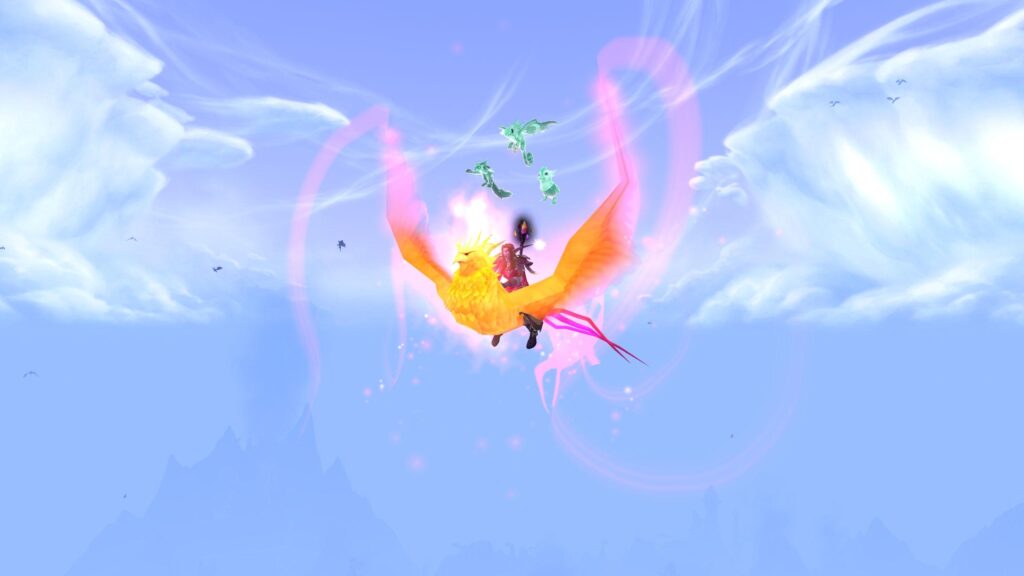
If you’re feeling fancy, you can go a step further. Use scripts to assign specific Mount ID numbers to your macro. This way, you can summon that fiery drake or that sleek windrider with pinpoint accuracy. And don’t forget, with the right setup, hitting ALT plus your main macro keybind will call forth a random Dragonflight mount, keeping things fresh and exciting.
Your journey across the Dragon Isles deserves to be as unique as you are. With your personalized macros at the ready, you’ll be soaring through the skies on mounts that truly represent your character. Now, get out there and show the world the bond between dragon and rider!
Advanced Macro Tips
To elevate your gameplay, let’s delve into advanced macro tips that streamline your World of Warcraft Dragonflight experience. By incorporating these expert suggestions, you’ll maneuver through Azeroth with unprecedented ease and flair. Remember, while macros can be powerful tools, they must be used responsibly to ensure they comply with the game’s terms of service.
Here are three advanced tips:
- Utilize Conditionals:
- Conditionals allow you to create smart macros that adjust based on different game states. For example,
[flyable]checks if you can fly in the zone, selecting an appropriate mount.
- Combine Actions:
- You can perform multiple actions with a single button press. For example, dismounting before casting a spell, or using an item, can be combined as
/dismount [mounted] /use [nomounted] Hearthstone.
- Employ Modifier Keys:
- By using modifier keys like
ALT,CTRL, orSHIFT, you can assign different mounts or actions to the same macro. For instance,ALTcould summon a Dragonflight mount, while no modifier might call your favorite ground mount.
Implement these tips to enhance functionality and enjoy a seamless gaming adventure. Remember, the key to mastering macros is experimentation and personalization to fit your unique playstyle.
Frequently Asked Questions
How Can I Ensure That My Random Mount Macro Respects the Limitations of the Zone I’m in (Such as No-Flying Zones)?
To ensure your macro picks the right mount, include conditions that detect zone restrictions, like no-fly areas, and then summon a ground mount instead of a flying one automatically.
Can I Set up the Macro to Summon a Specific Mount Under Certain Conditions, Like When I’m in a Battleground or Arena?
Yes, you can craft a macro that calls upon your battle steed in arenas, a symbol of your readiness for combat, by using conditional statements within the macro to recognize the zone you’re in.
Is There a Way to Include a Safety Feature in the Macro to Prevent Dismounting in Dangerous Areas, Such as High Altitudes or While in Combat?
You can’t directly program a macro with a safety check for altitude or combat status, but you could manually check your surroundings before dismounting to avoid any risky situations.
How Can I Make the Macro Account for Mounts That Have Special Summoning Requirements, Like the Ones That Can Only Be Used by Characters With a Specific Profession or Reputation Level?
Weaving intricate spells for your steed, you’ll need to tailor macros with conditional statements, checking profession or reputation before summoning those exclusive mounts, ensuring they heed your call only when criteria are met.
Can the Random Mount Macro Be Programmed to Exclude Certain Mounts I Don’t Want to Use, Even Though They Are in My Collection?
Yes, you can program your macro to exclude certain mounts by simply not listing them in your mount categories or by using conditional statements to filter them out of your random selection.
Conclusion
With your new macros at the ready, you’re set to embark on your adventures with the grace of a falcon taking flight. You’ve woven magic into each keystroke, transforming the mundane into the magnificent. Now, each journey you take in Azeroth will be as seamless as the river’s flow, with the perfect mount appearing at your whim. Revel in the convenience and style your personalized macros bring to your World of Warcraft Dragonflight escapades. Happy adventuring!
Ready to conquer Azeroth in World of Warcraft? Dive into my blog for expert tips, reviews, and Warcraft updates. Elevate your skills and become a legend in the Warcraft universe. Visit today and start your epic journey to Azerothian greatness!